How to View and Download Visitor Records
View and download your visitor records in one minute — search, filter by date range, and export as CSV or PDF directly from the Visitor Records screen.

View and download your visitor records in one minute!
Step 1: Search by Date
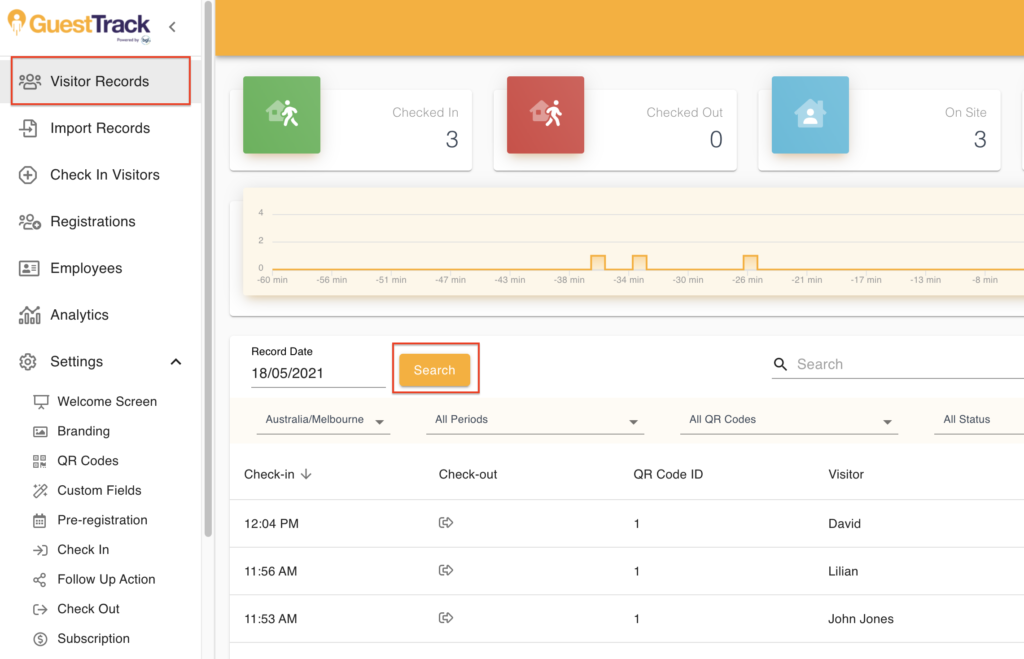
In "Visitor Records" section, select a date and click the "Search" button.
Step 2: Filter and Search
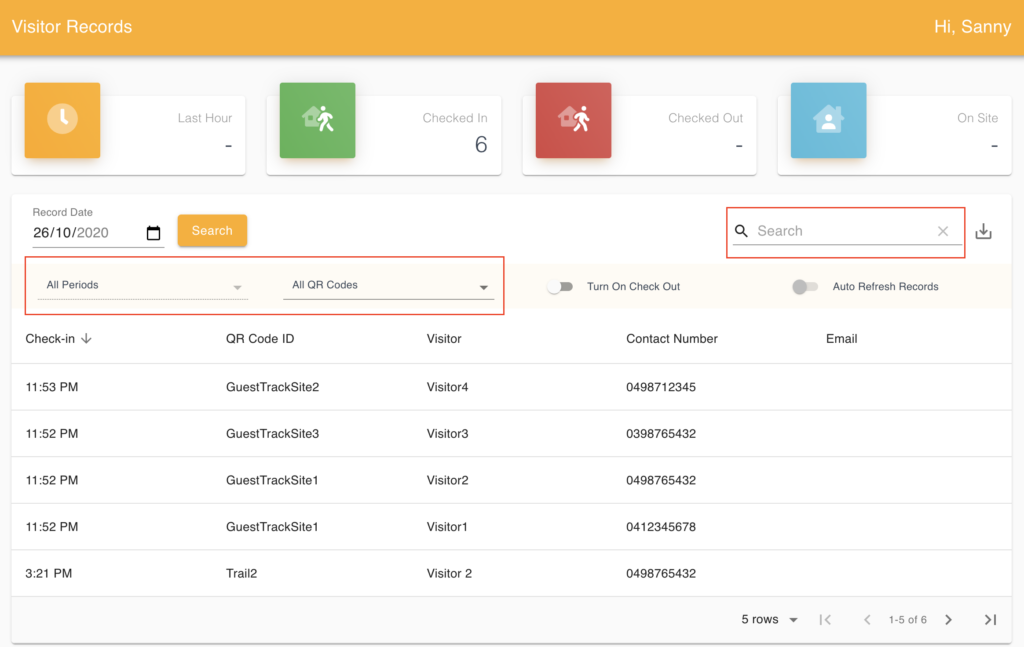
You may apply filters to the table or search for particular records by visitor name, phone number, email and more.
Step 3: Download Records
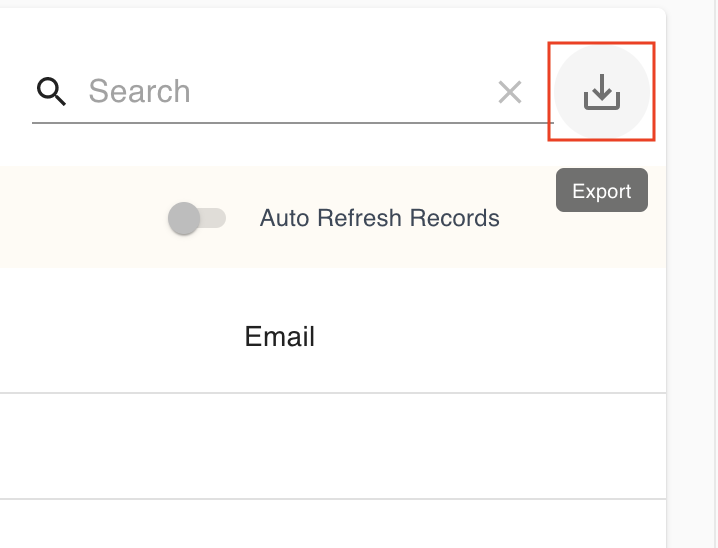
Visitor records of this date can be downloaded into a PDF or CSV file.
Step 4: Export by Date Range
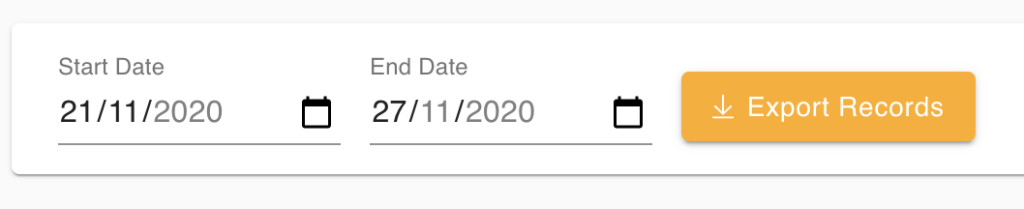
You can also export records for a period into a csv file by selecting a date range and clicking "Export Records".